During the stay
How to explain the heating to cottage guests
The guest has found the thermostat. They still do not know which dial to turn, whether the heating is on a timer or how long the room takes to warm up. Your guide should answer those questions beside a photo of the actual controls.
Updated
Start with the control guests can use
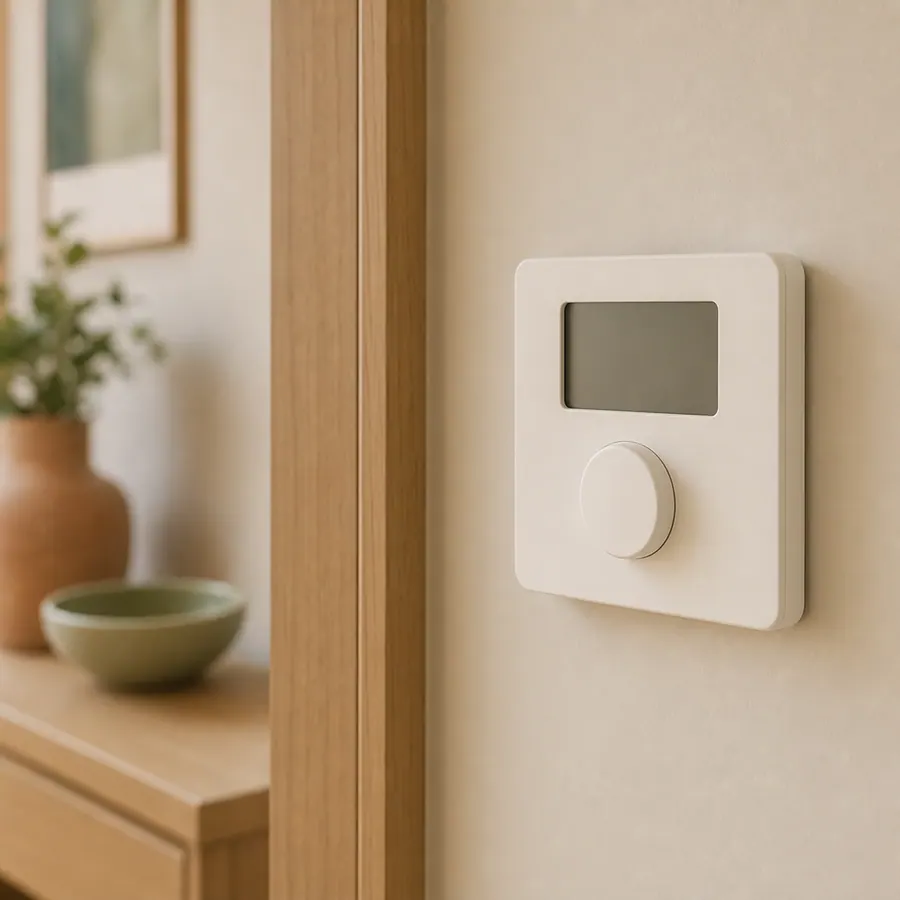
Name the room and the location: beside the kitchen door, on the hall wall, or next to the stairs. Show a close-up that includes the controls the guest will recognise. A wide photograph of a comfortable room does not explain the thermostat.
Then describe normal guest use in the order you tested it. If a timer or warm-up delay matters, explain the behaviour you observed at the property. Do not invent a standard waiting time for every heating system.
Photograph the control, not the whole room
Turn a vague sentence into useful steps
Vague: 'Heating is easy to use. Please don't change anything.'
A better structure: 'The room thermostat is on the hall wall beside the kitchen door. Use [the verified control] to choose [the permitted setting]. The display shows [what guests should expect]. For a problem, contact [the host channel]. Leave [host-only controls] unchanged.'
The brackets matter: they are facts you must confirm on your equipment. This is a writing pattern, not operating advice for a boiler or electrical installation.
Write and test the instruction
Find the normal guest controls
Check the equipment's instructions and your property arrangements. Distinguish room controls from equipment or settings reserved for maintenance.
Photograph the installed control
Use a well-lit, straight-on image. Name the buttons as they appear. Replace the photo after a control is changed.
Explain what happens next
If normal operation uses a schedule or a delay, describe it accurately. Include what the guest should do if the expected behaviour does not happen.
Ask someone new to follow it
Watch a person who has not used the controls try the instruction. Rewrite the point where they hesitate. Keep the contact route beside the steps.
Keep hot water separate when it works differently
Heating and hot water may have different controls. Give each its own short instruction and photo when needed. Explain any verified schedule or limitation before it becomes a surprise during the stay.
For a fault, point the guest to your support contact. A guest guide should not ask visitors to open equipment, reset unfamiliar safety devices or attempt maintenance.
Check before publishing
- The photo matches the installed control
- Button names match what a guest can see
- The steps describe normal guest operation
- Any timing or setting has been verified
- Host-only controls are clearly identified
- The support contact is next to the instruction
- Departure settings agree with the check-out message
Working fictional demo
Try these instructions in a guest guide
Willow Cottage is a fictional example using the real WelcomeFlat guest interface. Open the guide to try its search, room sections and departure instructions.
Explore the cottage guide →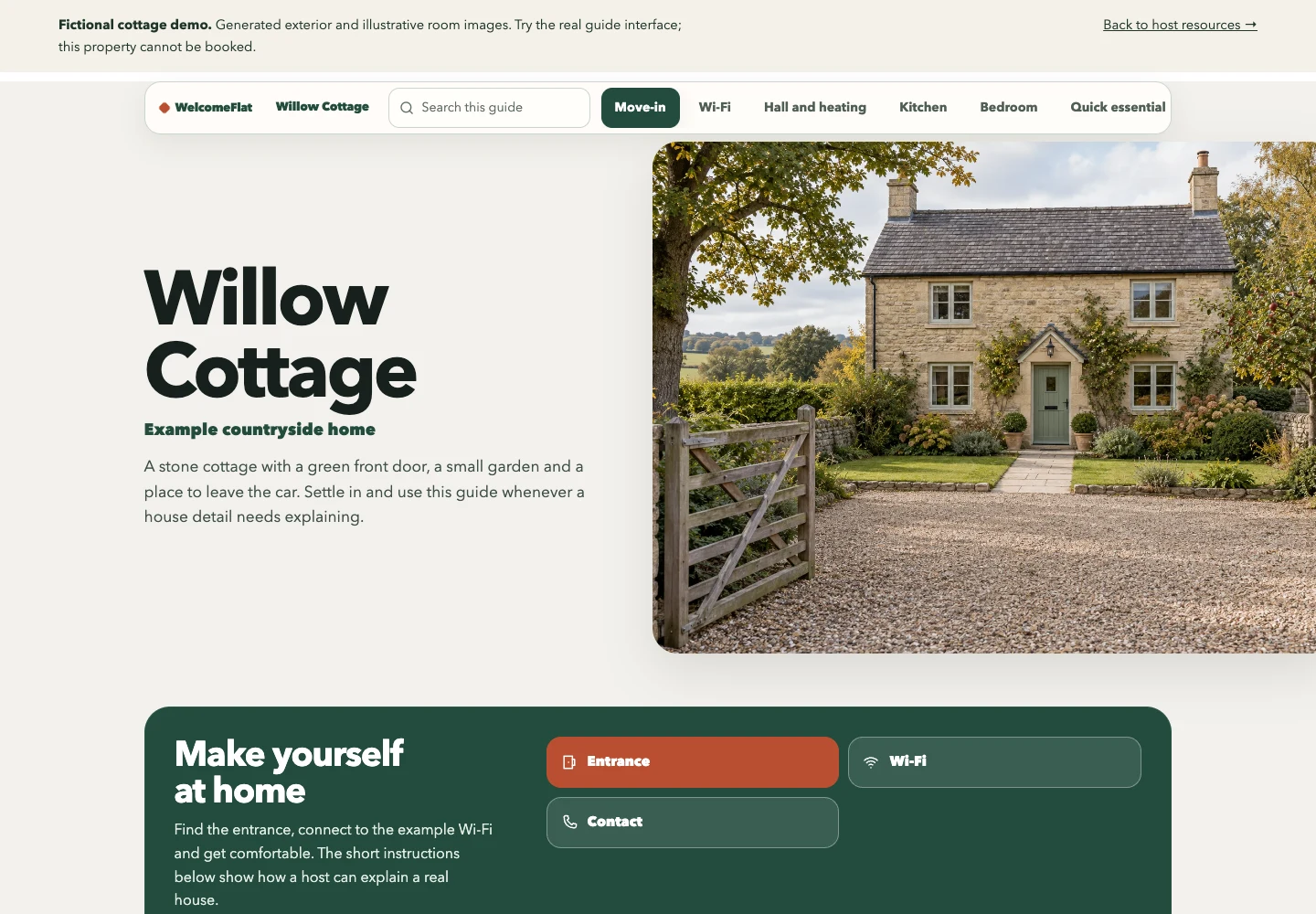
Create one clear guide for your property.
Explore the live demo, then create and share a guide through your WelcomeFlat account.