Use what you already have
Turn your PDF welcome book into a digital guide
Your PDF already contains much of the work. Keep the useful instructions, check what has changed and put each answer where a guest can find it on a phone.
Updated
Start with the latest copy
Open the PDF you actually send to guests. Mark outdated contacts, photos of replaced equipment, repeated rules and information that belongs in a private message. Use it as source material, not as an unquestioned record of the house.
WelcomeFlat does not automatically import a PDF in this workflow. You copy and organise the verified text and images in the existing editor. This takes some attention, but avoids carrying every old page into the new guide.
Give each part a place
Arrival
Address, parking, entrance and key handover
A short arrival sequence with the correct entrance photo
Wi-Fi
A paragraph buried among house rules
The Wi-Fi section for the intended guest
Equipment
Several manuals or long explanations
The relevant room and item, with short steps and a current photo
House routines
Waste, parking, quiet hours and contacts
Separate essentials, rules and contact sections
Departure
A final page guests may overlook
One short check-out checklist
Move one useful section at a time
Check the facts
Verify instructions at the property. Remove permanent access secrets and private guest details from reusable public text.
Create the property guide
Add the name, cover and essentials in WelcomeFlat. Keep the wording property-specific; no page design work is needed.
Copy arrival first
Turn a long paragraph into the sequence from the road to the door. Add a current photo where it removes uncertainty.
Add rooms and equipment
Place an appliance instruction with the item it explains. Keep full manufacturer manuals as references when useful; give guests the short normal-use steps they need.
Preview on a phone
Check search, section navigation, links and the first-night tasks. Then publish and share the guide through your existing guest conversation.
Before and after
PDF wording: 'The washing machine can be found in the utility room. There are several settings. Please use the appropriate cycle.'
A useful guide entry: 'Utility room - washing machine. Put detergent in [the verified compartment]. Select [the normal cycle shown on this machine] and press [the start control]. The photo identifies each control. Contact [host channel] if the machine does not start.'
Confirm every bracketed detail at the property. A new format cannot fix an inaccurate instruction.
Keep a PDF where it earns its place
A saved arrival summary is useful when reception is weak. A printed reference can help inside the cottage. Keep those versions short and dated, and update them when the route or equipment changes.
Use the digital guide for information you maintain through the stay. Send urgent changes directly; editing the guide alone does not tell the guest that something important changed.
Compare digital guides with PDFs Prepare an arrival fallback for poor reception
Working fictional demo
Try these instructions in a guest guide
Willow Cottage is a fictional example using the real WelcomeFlat guest interface. Open the guide to try its search, room sections and departure instructions.
Explore the cottage guide →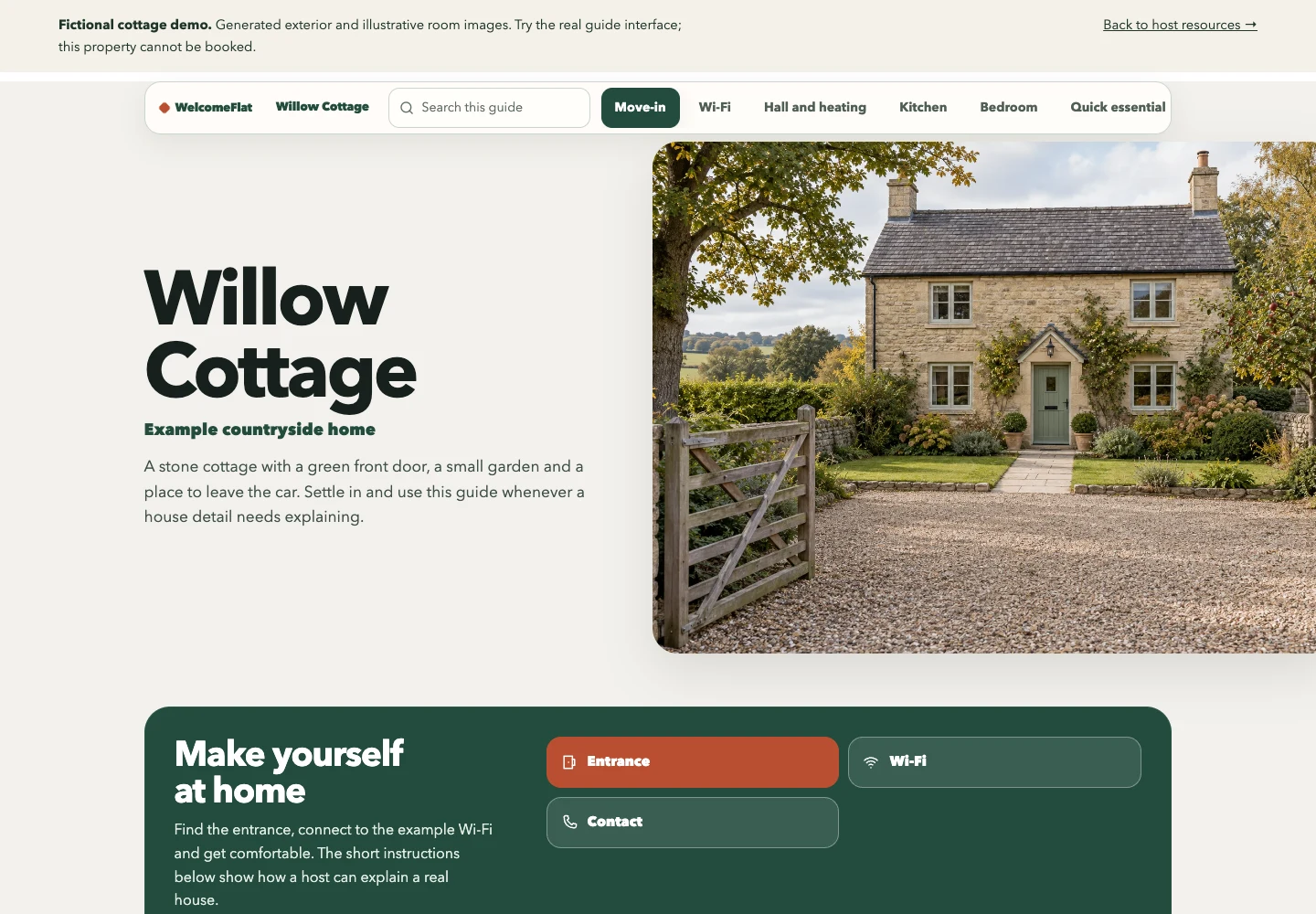
Create one clear guide for your property.
Explore the live demo, then create and share a guide through your WelcomeFlat account.