Free departure template
Vacation rental check-out instructions template
Guests are packing, checking drawers and trying to leave on time. Give them a short list they can finish without another conversation. Copy the message below and keep only the tasks agreed for the booking.
Updated
Copy the check-out message
Fill in the time, key-return location and agreed tasks. Delete lines that do not apply. This is a departure reminder, not a place to introduce extra cleaning duties or fees.
Hello [guest name],
We hope you have enjoyed your stay at [property name].
Check-out is by [time and time zone] on [date].

Before you leave, please:
1. [Agreed departure task, such as closing the windows].
2. [Agreed departure task, such as placing rubbish in the named bin].
3. Return the keys to [agreed location or key-safe process].
4. Check for belongings and secure [the door / gate as agreed].

Leave [heating or other equipment] on [the verified departure setting].
No additional cleaning is requested beyond [tasks already agreed in the booking].
Please confirm departure through [booking message thread].
If you need a later departure, message [host contact]; we will confirm whether it is possible.
Thank you for staying with us,
[host name]Save a version you can edit or print
Use Word to adapt the wording, PDF for a printed draft, or plain text for a saved message. No email or account is required.
Download Word template Download printable PDF Download plain text
Worked example for Willow Cottage
Fictional example: 'Please leave by 10 am, UK local time. Close the windows, place household rubbish in the grey bin beside the side gate, and return the front-door key using the arrangement confirmed in your booking thread. Leave the thermostat on the departure setting shown in the guide. Check drawers and sockets for belongings, secure the front door and message us when you have left.'
The time, bin and equipment settings are examples. Replace them with your actual cottage details. Do not add a task just because another host asks for it.
What to make clear
One departure time
State the local time. If a late departure is possible, ask the guest to request it and wait for confirmation. Avoid promising extra time before the next arrival has been checked.
One place for the keys
Name the correct return location. A photograph can help when there is more than one door or key safe. Confirm how a guest should leave if the usual return method fails.
A small set of agreed tasks
Use short verbs and precise locations. 'Rubbish goes in the grey bin beside the side gate' is easier to act on than 'leave the property as you found it'. Keep the list consistent with the booking terms.
The actual equipment setting
Do not use 'turn everything off' if heating, a refrigerator or another system needs to remain on. Describe the normal departure setting verified for that property.
Keep the platform's instructions in step
Airbnb provides checkout instruction fields in its arrival guide. If you also use a separate house guide or message, check that the departure time and tasks agree across them.
Before the next guest leaves
- Check the time against the booking
- Test the key-return method
- Remove permanent access codes
- Keep only previously agreed tasks
- Check heating and appliance settings at the property
- Make the confirmation channel easy to find
- Read the entire message on a phone
Check-out questions
When should I send the reminder?
Send it early enough for guests to read before packing and leaving. The night before can be useful, but choose a timing that fits the booking and the communication channel.
Should guests clean the cottage?
Ask only for tasks already agreed for their booking. Use a short, specific list and do not add new duties through a last-minute reminder.
Can I use the message for a cabin or villa?
Yes. Change the time, key return, waste locations and equipment settings to match the actual property.
Working fictional demo
Try these instructions in a guest guide
Willow Cottage is a fictional example using the real WelcomeFlat guest interface. Open the guide to try its search, room sections and departure instructions.
Explore the cottage guide →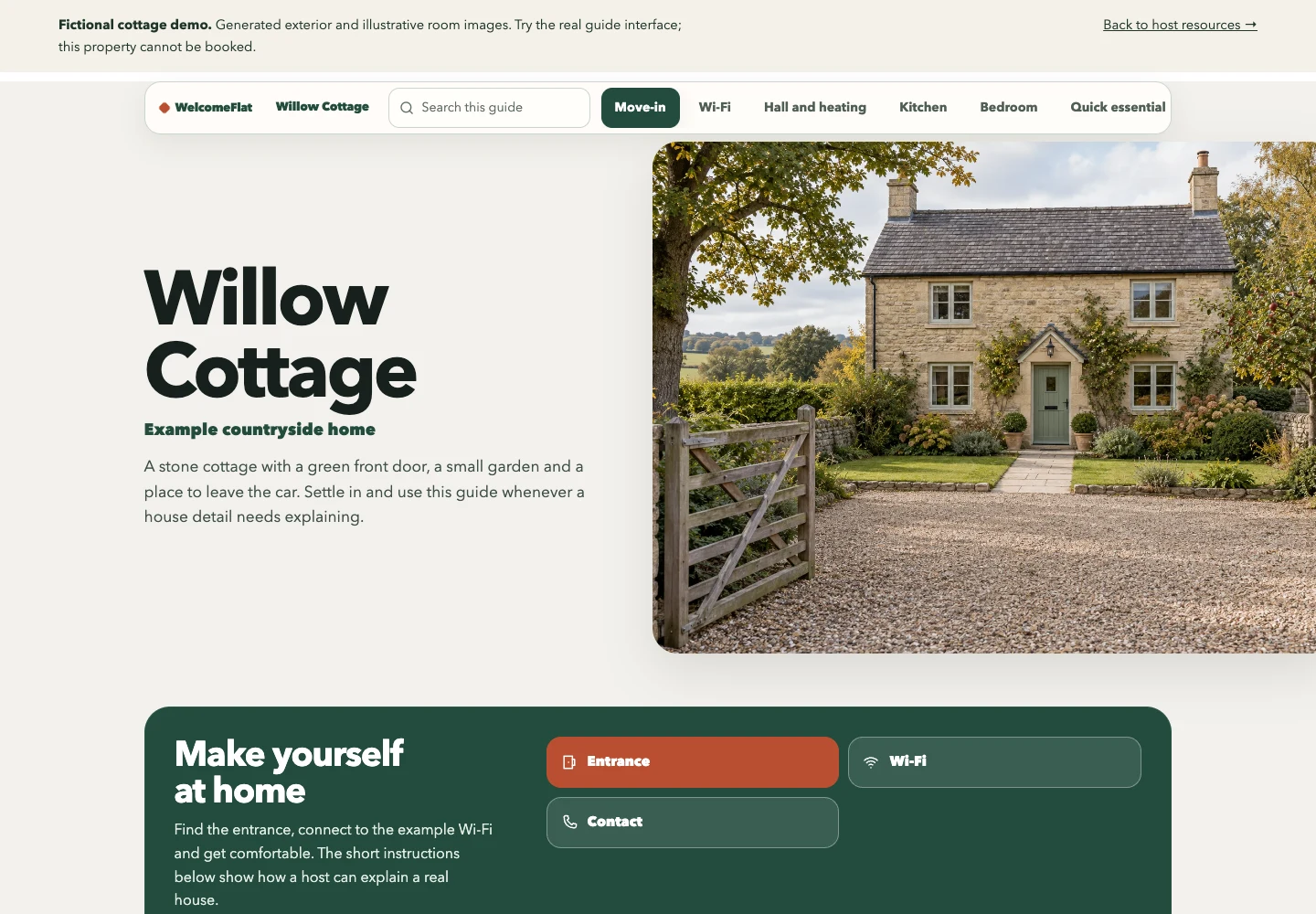
Create one clear guide for your property.
Explore the live demo, then create and share a guide through your WelcomeFlat account.